SEO Monitoring vs SEO Audit: What's the Difference?
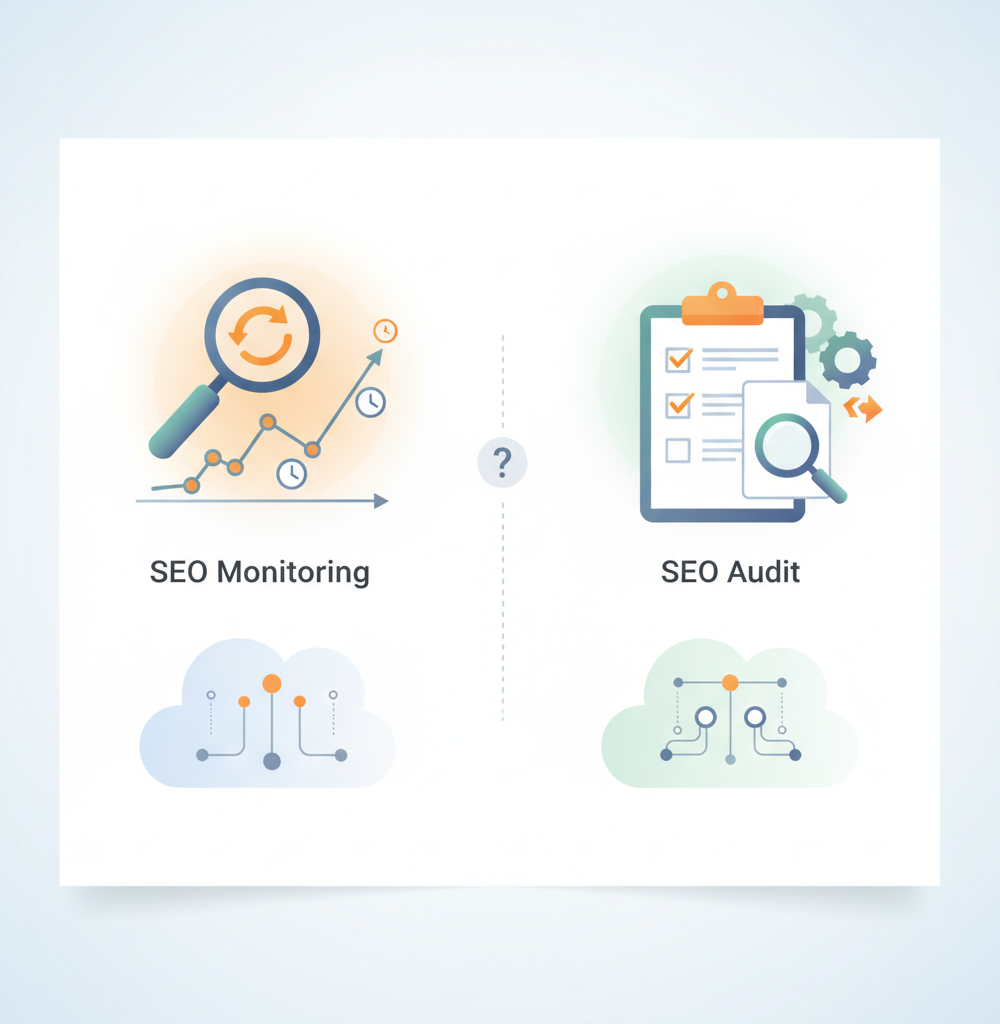
An SEO audit is a snapshot that tells you what is wrong with a site at the moment you run it. SEO monitoring watches a smaller set of signals continuously and tells you when one of them changes. Agencies need both, and most problems come from assuming the first does the job of the second.
If you work on client sites, you probably audit already: a Screaming Frog crawl, a Semrush site audit, or a manual review during onboarding. Those audits are valuable. They just describe a single day, and the site keeps changing on all the others.
The difference in one table
| SEO audit | SEO monitoring | |
|---|---|---|
| When it runs | On demand: onboarding, quarterly, after a migration | On a fixed cycle, for example daily |
| Depth | Wide and deep, every crawlable URL and many issue types | Narrower, the signals that break indexing and tracking |
| Output | A prioritised list of issues and a roadmap | Alerts about what changed since the last check |
| Good at | Structural problems: redirect chains, thin or duplicate content, internal linking, crawl waste | Regressions: a noindex added, sitemap URLs lost, a canonical moved |
| Blind spot | Everything that happens after the crawl ends | Long-standing issues that never change |
When an audit is the right tool
Audits earn their cost at moments of uncertainty. Taking on a new client means mapping what you have inherited before promising anything. A quarterly review is the right time to look for patterns a daily check will never show, such as keyword cannibalisation or a section with weak internal links. And after a replatform, a full crawl against the old URL list is the only way to confirm redirects and metadata survived, which is what our website migration SEO checklist walks through.
The report is accurate on the day it is produced and starts going out of date the next morning.
What monitoring adds between audits
Monitoring compares each check with the previous one, so its output is a change rather than a state. Typical examples of what it reports:
- a
noindexon pages that did not have one yesterday - forty URLs no longer in the sitemap
- a title tag rewritten to "undefined" by a CMS update
- a canonical now pointing at a different URL
- an SSL certificate close to expiry, or GA4 missing from a template
An audit would find most of these too, but only on its next run, which may be weeks away and after Google has recrawled the affected pages.
An example timeline
Take a hypothetical client. You audit the site on the 1st and it is clean. On the 9th, their developer deploys a release that adds noindex to the service pages. The site stays up, nothing errors, and uptime monitoring stays green. Over the following weeks Google recrawls those pages and drops them, and the Page indexing report in Search Console starts listing them under "Excluded by 'noindex' tag". Early the next month the client asks why enquiries are down.
The audit on the 1st was correct. It had no way of seeing the 9th. A daily check would have reported the noindex on the 10th.
Dividing the work
In practice the split is simple. Audit on a schedule and at key moments, and use the output to plan work. Monitor every day in between, and treat alerts as tasks for that day. Run only audits and changes go unseen for weeks. Run only monitoring and you never find the deeper structural problems a full crawl reveals.
Where Deltio sits
Deltio is a monitoring tool and does not try to replace your crawler. It reads each client site's sitemap and pages on a daily cycle and compares the results with the previous check, covering noindex, robots.txt, canonicals, titles, meta descriptions and H1s, sitemap URLs, uptime, SSL and domain expiry, and marketing tags such as GA4, GTM and Meta Pixel. Alerts go to Slack and email per site. For a check right after a deploy you can run a manual scan. What it will not give you is an audit-style list of redirect chains or thin content, which is still your audit tool's job. For more background, see what SEO monitoring is.
You can add a client site on a 14-day trial and run it alongside your next audit.
Frequently asked questions
- Can I just schedule my audit crawler to run every day instead?
- You can, and some agencies do for a few key sites. The drawbacks are cost and noise: a full crawl every day uses more resources, and a daily report of every known issue buries the handful of new ones. Monitoring is built to surface only what changed since the last check.
- Is Google Search Console a monitoring tool?
- Partly. It shows what Google has already processed, so the Page indexing and Performance reports reflect a problem days or weeks after it started. It is essential for confirming impact, but it will not tell you the day a noindex is deployed.
- How often should a client site be audited?
- Many agencies audit at onboarding, then quarterly or twice a year, plus after any migration, redesign or major release. Large or frequently changing sites justify more frequent audits; small brochure sites may need one a year if monitoring is in place.
- Should monitoring alerts and audit findings live in the same place?
- They work better apart. Audit findings belong in a backlog or roadmap and get scheduled. Monitoring alerts are time-sensitive and belong in a channel someone watches daily, such as a Slack channel per client.
- How much does Deltio cost?
- Starter is £24 / €29 / $31 a month for up to 50 sites, or £20 / €24 / $26 a month billed annually. Professional (200 sites) is £49 / €59 / $64 a month and Enterprise (500 sites) is £119 / €139 / $149 a month, with annual discounts. Each plan starts with a 14-day free trial.